
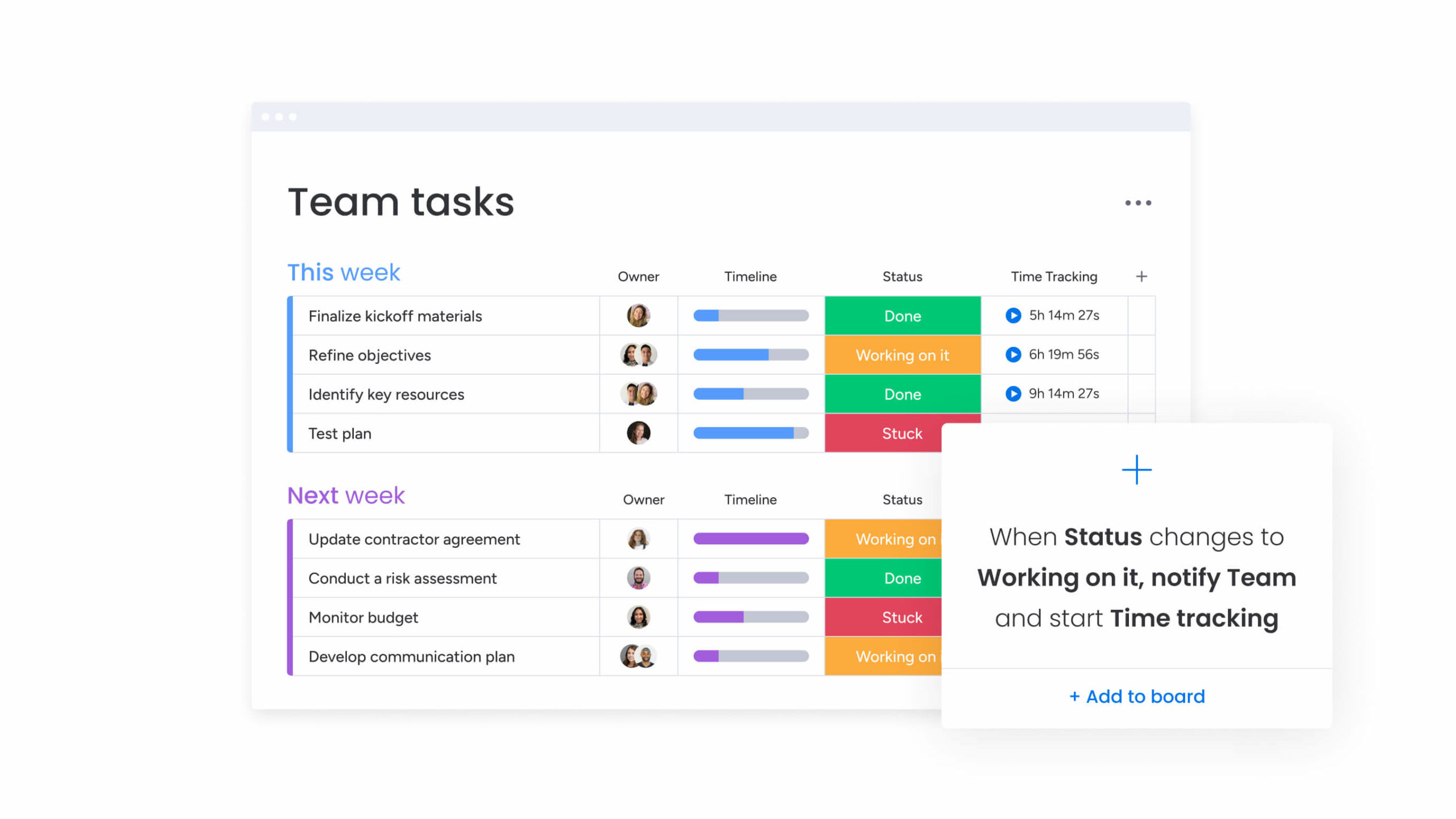
I’ve spent years rolling out task managers for startups, agencies, and enterprise teams, and I’ve learned that the “best” tool isn’t universal—it’s the one that fits your workflows, culture, and growth stage. In this guide, I’ll break down Trello vs Asana: Which Task Manager is Right for Your Team? with practical examples, lessons learned, and clear recommendations. If you’ve ever wondered whether your team needs Trello’s visual simplicity or Asana’s robust structure, you’re in the right place. I’ll keep it unbiased, actionable, and focused on real outcomes.

Source: monday.com
Quick Verdict: Who Should Choose Trello vs Asana?
If you need a fast, visual, and **simple Kanban-style task manager** that teams can adopt in minutes, choose **Trello**. If you’re managing cross-functional projects with dependencies, **timelines, workload, and advanced reporting**, choose **Asana**.
-
Choose Trello if:
- You want lightweight project management and quick onboarding
- Your team thrives on Kanban boards and visual cards
- You value flexibility and low admin overhead
- You’re cost-conscious and okay with fewer native PM features
-
Choose Asana if:
- You run multi-team projects with dependencies and approvals
- You need Timeline (Gantt), Portfolios, Goals, Workload, and scalable reporting
- You want automation at scale and standardized processes
- You need advanced permissions, forms, and audit-friendly controls
My rule of thumb: Start in Trello to move fast; graduate to Asana when coordination gets complex.
Core Philosophy and UX: Board-First vs Project-First
– Trello is **board-first** and excels at **visual work tracking**. It’s ideal for marketing sprints, content calendars, personal productivity, and lightweight Agile workflows. The UX is minimal: **boards → lists → cards** with labels, checklists, and attachments.
– Asana is **project- and portfolio-first** and excels at **structured work management**. It supports multiple views (List, Board, Timeline, Calendar), **task dependencies**, parent/child tasks, and cross-project reporting.
From my experience training non-technical teams, Trello’s UX reduces change resistance. However, once you need resource planning and cross-project visibility, Asana’s structure pays dividends.
Feature-by-Feature Comparison
– Core Task Views
– Trello: **Board**, Calendar, Table (with Power-Ups), Dashboard analytics on higher tiers
– Asana: **List, Board, Timeline (Gantt), Calendar, Dashboard, Workload, Portfolios**
-
Task Hierarchy
- Trello: Cards + checklists + custom fields
- Asana: Tasks, Subtasks, Sections, Projects; tasks can live in multiple projects
-
Dependencies and Scheduling
- Trello: No native dependencies; workaround via checklists/links
- Asana: Dependencies, milestones, critical path in Timeline
-
Automation
- Trello: Butler rules, scheduled commands, button automations
- Asana: Rules, custom triggers/actions, templates, plus AI-assisted task creation on premium tiers
-
Reporting and Goals
- Trello: Basic dashboards; deeper reporting via Power-Ups or external BI
- Asana: Portfolios, Goals, status updates, health metrics, executive-friendly reporting
-
Forms and Intake
- Trello: Forms via Power-Ups (e.g., form-to-card)
- Asana: Native Forms with branching (on higher tiers), ideal for request intake
-
Files and Comments
- Both: Comments, mentions, attachments, and integrations with Google Drive, Dropbox, etc.
Key takeaway: Trello wins on simplicity and adaptability; Asana wins on orchestration and scale.
Collaboration and Communication
Both tools support @mentions, watchers/followers, and inline previews. The difference shows up in **structure**:
- Trello encourages freeform collaboration on cards. Great for brainstorming and creative backlogs.
- Asana supports task ownership, approvals, and status updates across projects, which helps leadership track outcomes.
In my agency days, Trello made brainstorming and content pipelines effortless. But when client deliverables had hard deadlines and cross-team dependencies, Asana’s Timeline and status updates saved us from surprises.
Integrations and Ecosystem
– Trello
– Strengths: **Power-Ups** marketplace, Slack, Google Workspace, GitHub, Zapier
– Best for: Teams that prefer **few but focused integrations** on top of simple boards
- Asana
- Strengths: Deep integrations with Slack, Microsoft Teams, Google, Salesforce, Jira, GitHub, and more
- Best for: Organizations that need system-of-record integrations, robust two-way sync, and enterprise workflows
If you already live in Slack/Microsoft Teams, both tools integrate well; Asana’s integrations tend to be more process-aware for approvals and multi-project updates.
Automation and AI: Doing More With Less
– Trello’s **Butler** lets you auto-assign tasks, move cards, set due dates, and create recurring workflows with natural-language-like rules.
– Asana offers **Rules** plus AI-assisted features on premium tiers, such as summarizing updates, generating task lists from prompts, and **smart fields** that reduce manual work.
In practice, I’ve seen Asana’s automation reduce PM admin time by 20–30% on complex teams, while Trello’s Butler shines for repeatable board hygiene (auto-archiving, labeling, and teammate notifications).
Pricing and Value for Money
Note: Pricing changes—always verify current plans.
-
Trello
- Free: Generous for small teams; unlimited cards, limited automation
- Standard/Premium: Advanced views (Calendar, Dashboard, Table), more automation, admin controls
- Enterprise: Centralized controls, security features, org-wide governance
-
Asana
- Free: Solid for individuals/small teams; limited to basic features
- Starter/Advanced tiers: Timeline, Forms, Dependencies, Goals, Portfolios, Workload, advanced reporting
- Enterprise: SSO, advanced security, data controls, admin reporting
If your team needs reporting, workload, or cross-project dashboards, the ROI of Asana’s paid tiers is usually clear. For small teams seeking low total cost and easy adoption, Trello is hard to beat.
Security, Compliance, and Admin Controls
Both platforms offer SSO, 2FA, user management, and data export on higher tiers. For regulated industries:
- Trello (Atlassian ecosystem) provides enterprise-grade security and org-wide admin policies.
- Asana offers advanced admin, audit logs, data loss prevention partners, and enterprise governance features that larger companies often require.
From IT audits I’ve supported, Asana Enterprise typically satisfies stricter compliance demands thanks to granular controls and auditability, while Trello Enterprise is strong within the Atlassian stack.
Onboarding, Learning Curve, and Change Management
– Trello: Minimal training; people “get it” immediately. Great for **bottom-up adoption**.
– Asana: Requires brief training and **process design**. Worth it for **governance, scale, and repeatability**.
Tip from the trenches:
- For Trello, create a board template with lists like Backlog → Doing → Review → Done, plus labels and Butler rules.
- For Asana, design standard project templates, set Rules for intake → triage → execution, and define naming conventions so reporting is clean.
I’ve learned that the biggest failure point isn’t the tool—it’s the lack of consistent process. Pick the tool that your team will actually follow.
Real-World Scenarios: What Works Best
– Marketing Team Launch Calendar
– Trello wins for **visual content pipelines** and quick collaboration.
– Asana wins when campaigns require **cross-channel timelines** and stakeholder approvals.
-
Product and Engineering
- Trello works for simple Kanban and bug triage.
- Asana works better when you need dependencies, roadmaps, and resource visibility across squads.
-
Operations and HR
- Trello for checklist-driven onboarding and recurring tasks.
- Asana for form-based intake, approvals, and SLA tracking across departments.
Personal note: We started a content team in Trello and moved to Asana when coordinating with design and SEO introduced bottlenecks. Asana’s Timeline exposed overloads and prevented missed deadlines.
Decision Framework: A Simple Checklist
Answer these to decide quickly:
-
Do you need dependencies, Timeline/Gantt, and cross-project reporting?
- Yes → Asana
- No → Trello
-
Is onboarding speed and low friction your top priority?
- Yes → Trello
-
Do executives need Portfolios, Goals, and Workload views?
- Yes → Asana
-
Are most projects simple, visual, and team-contained?
- Yes → Trello
-
Do you expect to scale across multiple departments?
- Yes → Asana (or start in Trello, plan to migrate)
Best Practices and Pro Tips
– Keep your **information architecture** clean: naming conventions, owners, due dates, and tags.
– Use **templates** for repeatable projects.
– Automate **status updates** and handoffs.
– In Trello, limit WIP (Work in Progress) by list to reduce bottlenecks.
– In Asana, standardize **custom fields** so reporting works across projects.
– Review dashboards weekly; measure **cycle time** and **on-time delivery** to improve.
Mistakes to avoid:
- Mixing personal tasks and team tasks in the same board/project
- Skipping brief training in Asana (leads to chaos)
- Over-automating in Trello without documenting rules
Frequently Asked Questions of Trello vs Asana: Which Task Manager is Right for Your Team?
Is Trello or Asana better for small teams?
For small teams that value speed and visual simplicity, **Trello** is usually better. If your small team handles complex projects with dependencies or heavy reporting, **Asana** wins.
Can I use both Trello and Asana together?
Yes. Some teams ideate in **Trello** and execute in **Asana**. You can connect them via integrations or automation tools to sync tasks, though maintaining two systems adds overhead.
Which tool is best for Agile workflows?
Both can support Agile. **Trello** is great for simple Scrum or Kanban boards. **Asana** is better for scaled Agile with **dependencies, sprints in Timeline, and cross-team reporting**.
How do pricing and ROI compare?
Trello is cost-effective for lightweight use. Asana’s paid tiers deliver ROI when you need **Portfolios, Goals, Workload, and automation**—especially for multi-team coordination.
Can I migrate from Trello to Asana later?
Yes. You can export from Trello and import to Asana using CSV or third-party tools. Plan the migration with **field mapping**, **template redesign**, and a **short training session** to prevent confusion.
Which tool has better reporting?
**Asana** offers stronger native reporting with **dashboards, Portfolios, and status updates**. Trello can report well with Power-Ups or external BI tools but requires more setup.
What about security and compliance?
Both offer enterprise security features. **Asana Enterprise** typically provides more **granular admin controls and audit trails**, while **Trello Enterprise** is strong within the Atlassian ecosystem.
Conclusion
If you want a **lean, visual, easy-to-love** tool for straightforward work, choose **Trello**. If your organization needs **structured planning, dependencies, executive visibility, and scale**, choose **Asana**. The right choice aligns with your processes today and your ambitions tomorrow.
Try this: pilot the tool that best fits your next major project for two weeks, gather feedback, and decide with data. If you found this helpful, subscribe for more practical playbooks, or leave a comment with your use case—I’m happy to recommend a setup that fits your team.
Watch This Video on Trello vs Asana: Which Task Manager is Right for Your Team?